01
18 furniture types, one panel
From TV units and bookcases to sofas, bedrooms and bathroom vanities: pick a type and the room stops being an empty box.
Let your client picture themselves on that sofa: an empty room looks cold in a presentation; a furnished one sells. Pick one of 18 furniture types, click the start and the end along a wall and the piece builds itself to size: sofas, bedrooms, TV units, bookcases, bathroom vanities. Pull the blue ball and it grows with the same design; roll the dice and a completely different one appears.
Lifetime licence and lifetime updates
Be working with it tonight: the file is on screen and in your inbox the moment you pay.
Prices are in US dollars. Gumroad converts to your local currency at checkout.
SketchUp 2021 · SketchUp 2022 · SketchUp 2023 · SketchUp 2024 · SketchUp 2025 · SketchUp 2026 · Windows · v1.14.0
Recorded inside SketchUp, with the plugin itself.
FurniFun
What the plugin does for you, drawn rather than listed.
From TV units and bookcases to sofas, bedrooms and bathroom vanities: pick a type and the room stops being an empty box.
Click the start and the end; the piece backs onto the wall, sits on the floor and faces the room, and typing 180 makes it exactly 180 cm.
Drag the ball on the end or type "+40"; bays, doors, sofa seats and chairs re-arrange to the new size while the design stays the same.
The dice brings a different version in the same place, and eight colour palettes switch wood, stone, fabric and metal together, so you arrive with options.
Channel, retro two-tone, Lawson, shell or lounge, straight or with an L or U corner; the cushions sit, lean and tilt like real ones.
A curved bookcase in three clicks, facing into the room along a curved wall or out around a column, reaching up to a half circle.
Workload test
By handModelling a sofa, a TV unit and a bookcase by hand, or hunting and cleaning up downloaded models
1 h
With FurniFunTwo clicks per piece, then pulling the blue ball to the size you need
1 min
98%
less time on this job
60×
faster
The time the same job takes by hand and with the plugin; the share and the speed-up are worked out from those two times.
The SketchUp versions this plugin runs on:
Windows only. Your version is under Help › About in SketchUp. Not sure? Just ask.

Ufuk Şen
3D visualisation specialist, instructor and plugin developer, Ankara
SketchUp instructor of 18 years · 34 courses on Udemy · 7,269 students · 899 reviews
Ask before you buy; the person who made the plugin answers.
Real pages from the sample project, made by the studio itself - the same engine that draws your PDF.

FurniFun

FurniFun

FurniFun

FurniFun

FurniFun

FurniFun

FurniFun

FurniFun

FurniFun
Drag me
With the plugin
1 min
Two clicks per piece, then pulling the blue ball to the size you need
By hand
1 h…
Modelling a sofa, a TV unit and a bookcase by hand, or hunting and cleaning up downloaded models
Pick a piece in the panel, click the start, click the end. It backs onto the wall, sits on the floor and faces the room; type 180 after the first click for exactly 180 cm. The time you spent hunting and cleaning downloaded models stays yours.
Drag the ball on the end, or type "+40": the design stays the same while bays, doors, sofa seats and chairs re-arrange. Even SketchUp's Scale tool turns into a clean resize. When the client asks for it a little longer, you're ready.
Every drawing is a new design, and the dice gives you another version in the same place. Eight colour palettes change wood, stone, fabric and metal together. You walk into the meeting with options, not just one.
furnishing an interior scene
Estimate based on a typical workflow. Your mileage will vary - usually upward.
Saved every month
0hours
Saved every year
0 hours
0 work days
You just found 108 hours of your life.
For the people who read the manual first.
Shipped, and what is next.
Shipped
Next
SketchUp 2021 to 2026. This release was smoke-tested inside real SketchUp 2023, 2024 and 2025, earlier ones in 2026 too, and the code is checked for Ruby 2.7 compatibility (SketchUp 2021–2023). It is built and tested on Windows; macOS has not been tested yet.
No. FurniFun fills interior scenes for design and visualisation: it builds furniture that looks right at the right size. For cabinets with cut lists and CNC files, CabinetWizard is the tool.
It is built not to. Repeated shelves, doors, chairs and books share one component definition, soft sofas and bedding are low-poly, and a new design computes in milliseconds.
Yes. Pull the blue ball or type "+40" to resize, roll the dice for a new design in the same place, switch the colour palette or turn the decor (books, vases, lamps, cushions) on and off. Each change is one undo step.
FurniFun is on sale now: use the buy button on this page. Like every plugin here it is a one-time purchase with version updates included.
SketchUp Group vs Component: The Difference, and When to Use Each
One wall drags half the house with it, or fifty windows need the same fix one by one. Both problems have the same cure, and it takes a single question to choose.
Read →
Best SketchUp plugins for furniture design: showroom-ready rooms, configurable pieces, soft edges
Without hunting 3D Warehouse for a sofa that almost fits or a table with razor-sharp edges: the SketchUp plugins that furnish a room to size in two clicks, let the client see every option, round edges like real timber and dress the window, so the presentation sells the design.
Read →
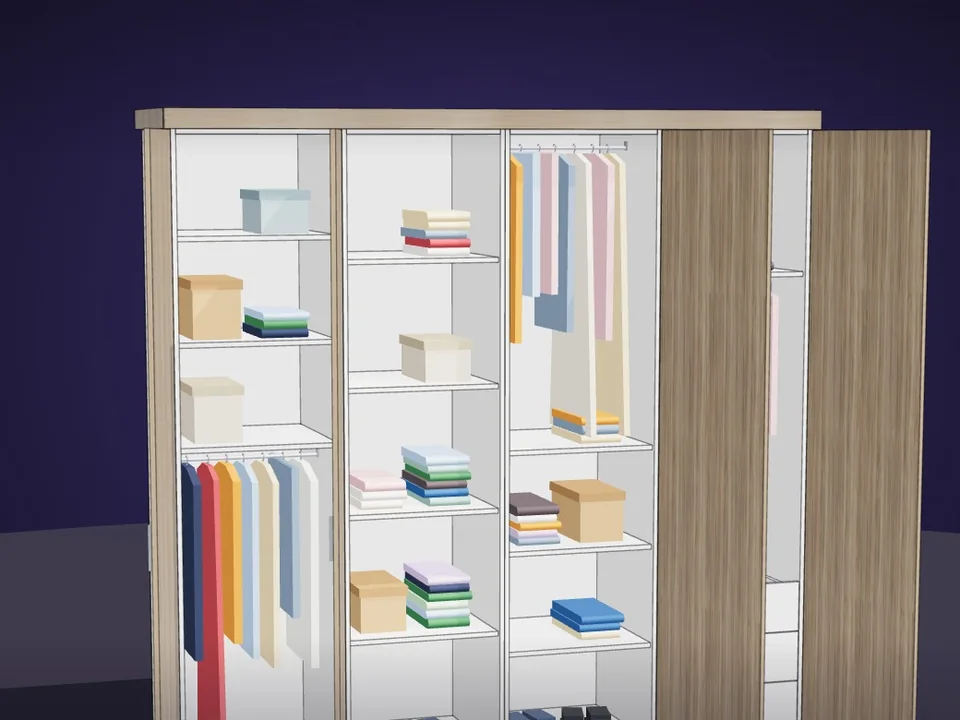
Type the size. The whole wardrobe builds itself.
No panel-by-panel drawing: type the size, get quote and CNC files.
SketchUp 2017–2026v1.19.0
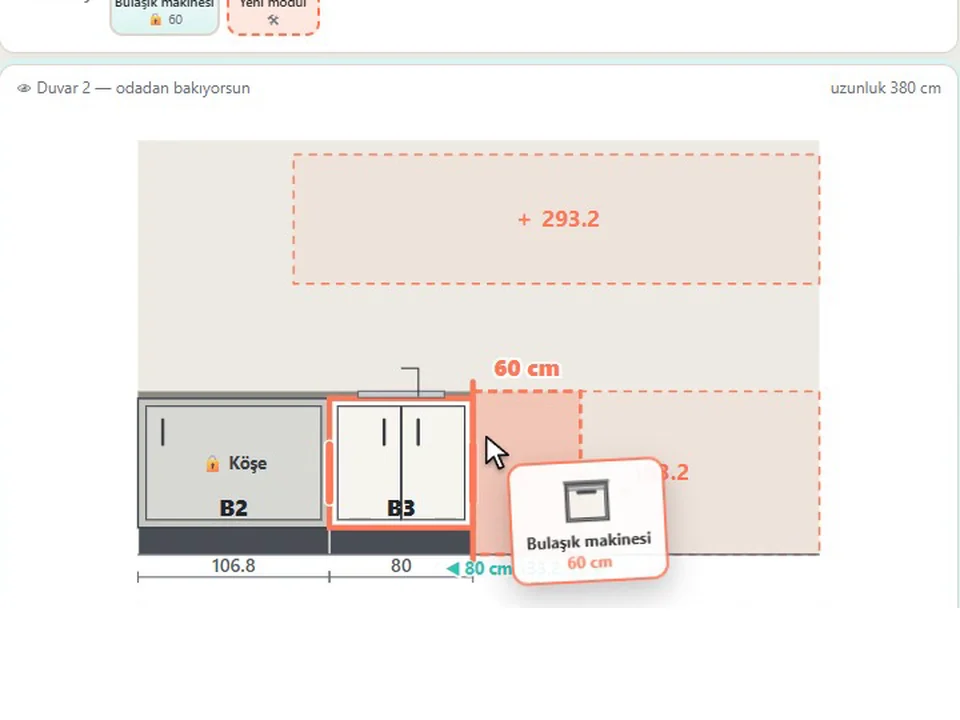
Grab a cabinet, drop it on the wall. Kitchen done.
No re-drawing, no re-typing: drag the cabinets onto the wall, get the kitchen, cut list and CNC files.
SketchUp 2021–2026v1.28.1
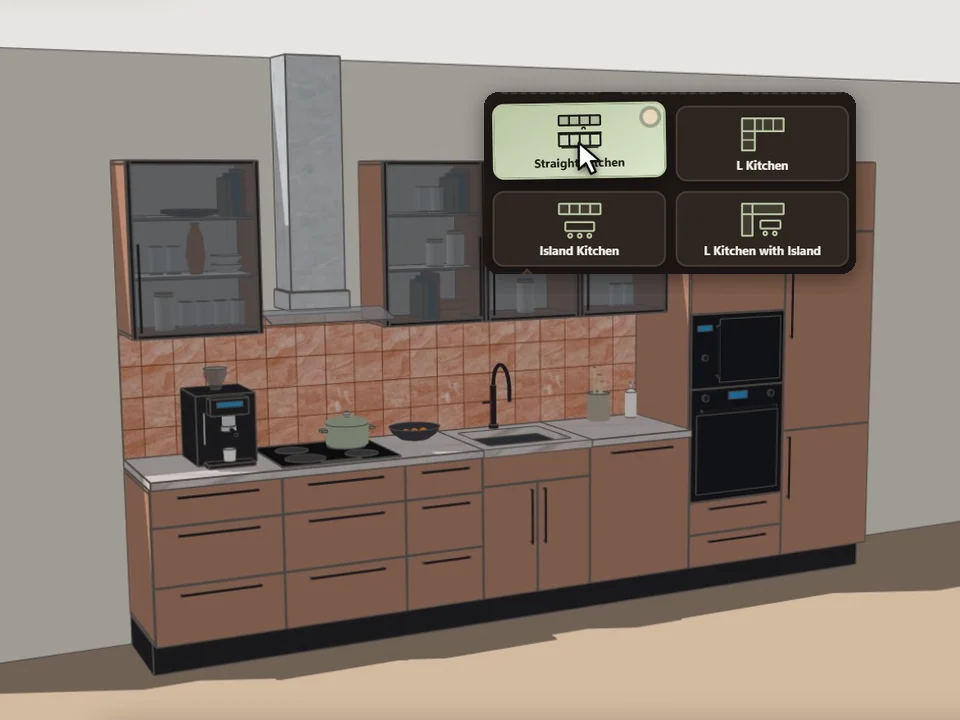
Pick a card, click the wall. Whole kitchen done.
Pick a card, draw along the wall: a fully furnished kitchen, new every time.
SketchUp 2021–2026v0.5.0


